Login methods and hardware
Every way users can sign in.
shared_login_method picks how a person signs in: by badge or by face. For the key’s type,
values, and default, see Configuration keys.
Default is badge / hub, also the fallback when the value is missing or unparseable.
Badge models
hub- No local reader; badge IDs arrive over the IDmelon Hub relay. Default and fallback.
auto- Accepts any badge source — smart-card reader, keystroke reader, or hub.
keystroke- Keyboard-wedge / HID-keyboard reader. Types the card ID and presses Enter.
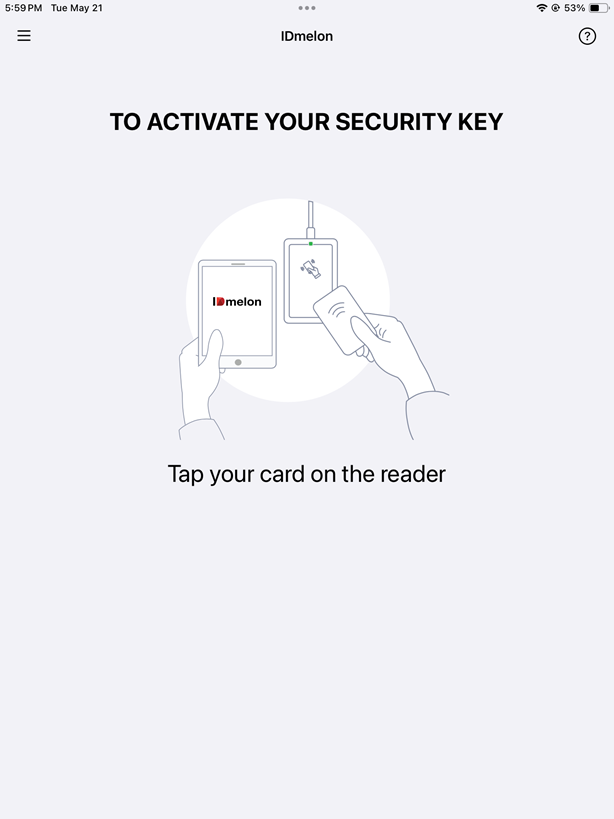
smart_card- PC/SC or NFC reader (ACS ACR1555U over BLE, or a CryptoTokenKit CCID reader over USB-C or Lightning). Returns the card’s CSN/UID.
Face models
hid- On-device. iPad front camera plus the bundled HID face SDK. The no-reader camera option.
server- iPad front camera plus a remote face-matching service you host. Needs the
configsub-dictionary below.
Writing the value
Two shapes:
- String —
badgeresolves to badge /auto;faceresolves to face /hid. - Dictionary — a
{type, model, config}block to pick a specific model or pass face-server settings. Badge with no model defaults toauto.
Paste the exact block you want rather than rely on the default.
Badge over the Hub (the default):
<key>shared_login_method</key>
<dict>
  <key>type</key>
  <string>badge</string>
  <key>model</key>
  <string>hub</string>
</dict>
Face on the iPad camera, no reader:
<key>shared_login_method</key>
<dict>
  <key>type</key>
  <string>face</string>
  <key>model</key>
  <string>hid</string>
</dict>
Cloud face server (config)
Only for face with model = server. Keys in the config sub-dictionary:
base_url(required) — your service base URL, non-empty.api_key(optional) — sent as theX-Api-Keyheader.jpeg_quality(optional, default0.85) — range 0.1–1.0.timeout_seconds(optional, default30) — minimum 1.filter(optional) — dictionary scoping the gallery; any ofsearch_tags,external_ids,user_ids,gallery_ids.
Write jpeg_quality and timeout_seconds as bare numbers, not quoted strings — a quoted
string is rejected.
<key>shared_login_method</key>
<dict>
  <key>type</key>
  <string>face</string>
  <key>model</key>
  <string>server</string>
  <key>config</key>
  <dict>
    <key>base_url</key>
    <string>https://faces.example.com</string>
    <key>api_key</key>
    <string>YOUR_FACE_SERVICE_KEY</string>
    <key>jpeg_quality</key>
    <real>0.85</real>
    <key>timeout_seconds</key>
    <integer>30</integer>
  </dict>
</dict>
If it is misconfigured
- A missing or unparseable value falls back to badge /
hub. - A
facetype with an unknown model is rejected, not fallen back.
See Configuration keys for the canonical value, or Set up a shared iPad to set it on a fresh device.